

Time Tracking Practices for Operational Efficiency
08 May 2026Most teams think they have a handle on where time goes, but the actual numbers tell a different story. That gap between perceived and real effort is exactly why time tracking practices matter for running an efficient operation. When organizations start measuring how time is spent, decisions get sharper and planning improves across the board.
Why Time Is the Most Underused Business Metric
Money gets tracked to the cent, inventory gets counted, but time often goes unmonitored until something goes wrong. Once teams apply consistent time tracking practices, they get a clearer picture of what work costs and where the workflow creates friction.
The Real Cost of Not Measuring
Project budgets run over, and deadlines slip when no one knows where effort is actually going. Most of the time, the problem is not a lack of effort but a poor understanding of how hours are distributed.
What Every Level of the Organization Needs
A manager making staffing decisions needs real data, and so does an executive reviewing project profitability. Without it, planning becomes guesswork dressed up as strategy.
Manual vs. Automated Tracking
Not all time tracking looks the same, and choosing the wrong method creates more problems than it solves. Understanding both options helps teams pick what fits their workflow and stick with it.
The Problem With Manual Timesheets
End-of-week timesheets rely on memory, and human memory is not reliable over five days. People underreport, forget short tasks, and round numbers in ways that quietly corrupt the data.
Where Automated Tracking Wins
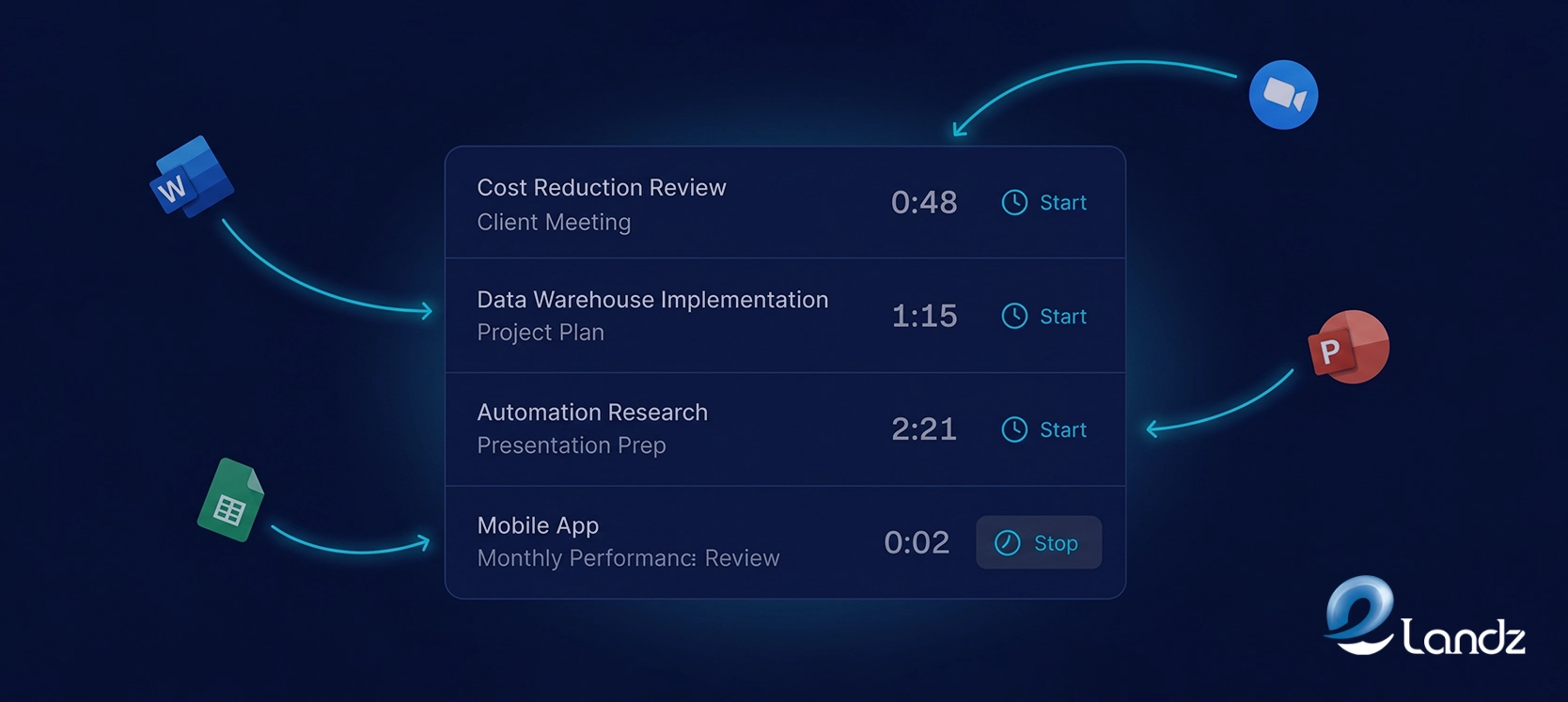
Automated tools capture work as it happens by detecting active windows, syncing with calendars, and logging hours inside the platforms where work takes place. The result is a far more accurate picture of how time is used across the team.
When Manual Still Works
For small teams with simple workflows, a consistent spreadsheet habit can work if entries are logged daily rather than saved for Friday. The key is discipline, not the tool.
Core Time Tracking Practices That Actually Move the Needle

Getting value from time data depends on how it is collected and structured, not just whether it is collected at all. These practices separate teams that use time data strategically from those that collect numbers nobody acts on.
- Embed tracking into existing workflows.
- Build a clear hierarchy from tasks to goals.
- Separate billable and non-billable time.
Catch workload problems before they escalate.
How Time Data Improves Project Estimates
One of the most practical benefits of time tracking practices is what they do to future estimates. When you have historical data from similar projects, you stop guessing and start calculating.
Learning From Completed Projects
A team that has tracked hours across multiple product builds knows exactly how long reviews, testing, and handoffs take. They can commit to timelines with confidence because the estimate is grounded in what the team actually delivered before.
Closing the Estimation Gap
According to research by the Project Management Institute, poor project performance is often tied to inaccurate initial estimates. Time tracking builds an evidence base that gets more reliable with every project completed.
Integrating Time Tracking With the Rest of Your Operations
Time data becomes significantly more useful when it connects to other business systems. Three integrations stand out as particularly high-value for operational teams.
Connecting to Payroll
When tracked hours feed directly into payroll calculations, the manual reconciliation step disappears entirely. Employees get paid accurately and managers stop spending hours each week checking spreadsheets.
Linking to Client Billing
For client-facing teams, connecting time entries to invoicing software means every invoice reflects real work performed. Clients receive transparent documentation, which reduces billing disputes and builds long-term trust.
Tying Into Project Management
When time lives alongside task status, deadlines, and assignments, everyone operates with the same information. A project manager does not need a separate report to see if a milestone is on track.
AI and the Future of Time Tracking Practices

Artificial intelligence is changing what time tracking can do beyond simple hour logging. Machine learning can now predict how long future work will take, flag projects trending over budget, and categorize time entries automatically.
From Reporting to Predicting
This shifts time tracking practices from a backward-looking record into a forward-looking planning tool. Instead of reviewing last quarter to understand what went wrong, teams can adjust course in real time.
Why This Matters for Complex Organizations
For teams managing large portfolios across multiple departments, AI-powered insights are no longer a luxury. The difference between reacting to problems and preventing them often comes down to how intelligently time data is being used.
Getting Your Team to Actually Use the System

Even the best time tracking software fails when adoption is low, and adoption almost always comes down to communication and simplicity. Teams that involve employees in the rollout early tend to see much better long-term results.
Show Employees What Is in It for Them
When people understand that time data leads to fairer workloads and fewer surprise crunch periods, their attitude toward logging hours shifts. The conversation needs to be about personal benefit, not just organizational oversight.
Keep Onboarding Short and Focused
A brief session on the daily logging habit beats a comprehensive tutorial that covers every feature. The goal is to make tracking feel like a two-minute routine at the end of each workday.
Set Policies Early and Stick to Them
Teams that establish a daily logging policy consistently produce more accurate data than those that allow weekly catch-up entries. Clear expectations from day one remove ambiguity and prevent the backlog habit from forming.
Conclusion
Time tracking practices give organizations the operational clarity that gut instinct alone cannot provide. They reveal what work actually costs, where effort is misaligned with priorities, and how to plan future work with much greater accuracy. Teams that treat time as a strategic data point rather than a compliance checkbox tend to operate more efficiently and avoid the resource strain that quietly erodes margins over time.
Frequently Asked Questions
These are the questions most teams ask when they first start thinking seriously about time tracking. The answers below cut straight to what matters.
What is the simplest way to start tracking time at work?
How does time tracking help with project budgets?
Is automated time tracking better than manual timesheets?
What should I do with time tracking data once I have it?
How do I get employees to use a time tracking system consistently?
Table Of Content