

How to Create SOPs for Business Efficiency: A Complete Guide
22 Feb 2026Introduction
Running a business without clear systems is like driving without a map. Knowing how to create SOPs for business efficiency gives your team a reliable roadmap for every task. SOPs eliminate guesswork, reduce costly mistakes, and help your business grow without losing quality. This guide walks you through building procedures that your team will actually use.
What Is an SOP and Why Does It Matter?
An SOP (Standard Operating Procedure) is a written guide that explains how to complete a task the right way, every time. Businesses with strong SOPs consistently outperform those relying on memory or word-of-mouth instructions. Without them, quality depends on who shows up to work that day.
Identify Which Processes Need Documentation
Start by listing tasks that happen regularly and directly affect your customers or revenue. Focus on processes where mistakes are costly, or consistency is critical. Customer onboarding, order fulfillment, and complaint handling are great starting points.
Gather Input From Your Team
The people doing the work daily know it best, so involve them from the start. Hold a short meeting or send a simple survey asking team members to describe how they complete key tasks. Their real-world insight prevents you from documenting a process that nobody actually follows.
Map Out Each Process Step by Step
Walk through the process yourself, noting every action, decision point, and tool used. Write each step as a clear instruction using action verbs, like “click,” “verify,” or “send.” Keep steps short so anyone, including new hires, can follow along without confusion.
Choose the Right Format

Not every process suits a numbered list, so match the format to the task. Simple linear tasks work well as step-by-step checklists, while complex decisions benefit from a flowchart. A short tutorial video can be more effective than paragraphs of text for hands-on tasks.
Add Visual Aids
Research shows people perform tasks significantly better when visual instructions accompany text. Screenshots, diagrams, and annotated images remove ambiguity and speed up comprehension. Even a simple arrow pointing to the right button on a screenshot can save minutes of confusion.
Define Roles and Responsibilities
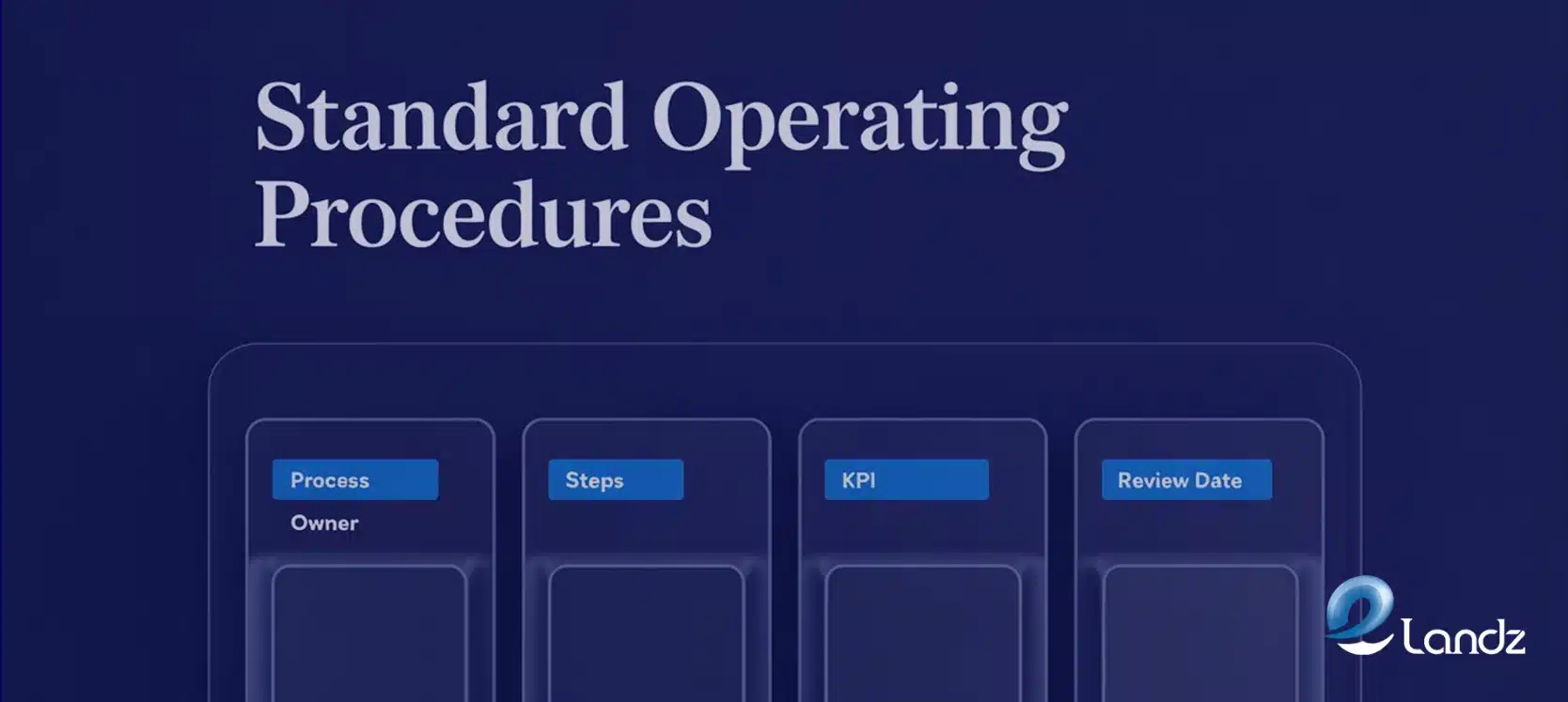
Every SOP should clearly state who owns each step and who to contact when something goes wrong. Vague accountability leads to tasks falling through the cracks. Assign a specific job title or team to each stage of the process.
Include a Troubleshooting Section
Anticipate the most common problems employees face and address them directly inside the SOP. This empowers your team to solve issues independently without escalating every small issue to management. A simple “If X happens, do Y” format works perfectly here.
Test the SOP With a Small Group First

DBefore rolling out company-wide, have two or three team members follow the SOP exactly as written. Watch where they hesitate, get confused, or skip steps. Use their feedback to close gaps before the procedure becomes official.
Train Your Team Properly
Distributing a document is not the same as training. Run a short session where employees practice following the SOP in a real or simulated scenario. Offer a way for them to ask questions and flag anything that feels unclear.
Store SOPs Where Everyone Can Find Them
An SOP nobody can locate is useless, so store them on a shared platform your team already uses. Cloud-based tools allow employees to access procedures from any device, at any time. Organize SOPs by department or task category so finding the right one takes seconds, not minutes.
Schedule Regular Reviews
Understanding how to create SOPs for business efficiency includes knowing that they are never truly finished. Review every SOP at least once every six to twelve months, or whenever a process changes. Assign a specific person to own each SOP so updates don’t get overlooked.
How SOPs Support Business Growth
Knowing how to create SOPs for business efficiency becomes especially valuable when you hire new staff or open new locations. New employees can be onboarded faster when clear procedures already exist. One company reduced training time from four weeks to two simply by introducing well-written SOPs.
SOPs also protect your business during disruption. If a key employee leaves suddenly, documented procedures mean the work continues without chaos. Customers experience the same quality regardless of staff changes, which protects your brand reputation.
Scaling operations is far less stressful when your processes are already documented and tested. You replicate what works rather than rebuilding from scratch. This consistency becomes a genuine competitive advantage.
Common Mistakes to Avoid

Many businesses write SOPs that are too long, too vague, or filled with jargon. The goal is clarity, not comprehensiveness, so trim anything that doesn’t directly help someone complete the task. If a team member needs a dictionary to understand an SOP, rewrite it.
Another mistake is creating SOPs without involving the team. Procedures written in isolation often miss critical steps or reflect how leadership thinks tasks happen rather than how they actually do. Collaboration produces SOPs people trust and follow.
Finally, avoid treating SOPs as permanent documents. Processes evolve, technology changes, and regulations update. A stale SOP can create as many problems as having no SOP at all.
Using Technology to Manage SOPs
Dedicated SOP software simplifies creation, updates, and access in one platform. Features like version control ensure employees always use the most current procedure. Look for tools that integrate with systems your team already uses, such as project management or CRM software. For a deeper look at available platforms, Process Street’s SOP software guide offers a useful comparison of leading tools.
Measuring Whether Your SOPs Are Working
Track metrics directly tied to the processes your SOPs cover. Error rates, task completion times, and customer satisfaction scores all reflect SOP effectiveness. If numbers improve after implementing a procedure, you know it is working.
Gather regular feedback from employees who use the SOPs daily. They will spot problems faster than any metric. Small adjustments based on frontline feedback often produce significant performance improvements.
Conclusion
Knowing how to create SOPs for business efficiency is one of the most practical skills any business owner can develop. SOPs reduce errors, accelerate training, support growth, and protect quality during times of change. Start with your most critical processes, keep the writing simple, involve your team, and commit to regular updates.
Frequently Asked Questions
The answers below cover the most common concerns around getting started, formatting, ownership, team buy-in, and keeping procedures current.
How to create SOPs for business efficiency without overwhelming my team?
How long should an SOP be?
Who should write the SOPs?
How do I get employees to actually follow SOPs?
How often should SOPs be updated?
Table Of Content