
Introduction
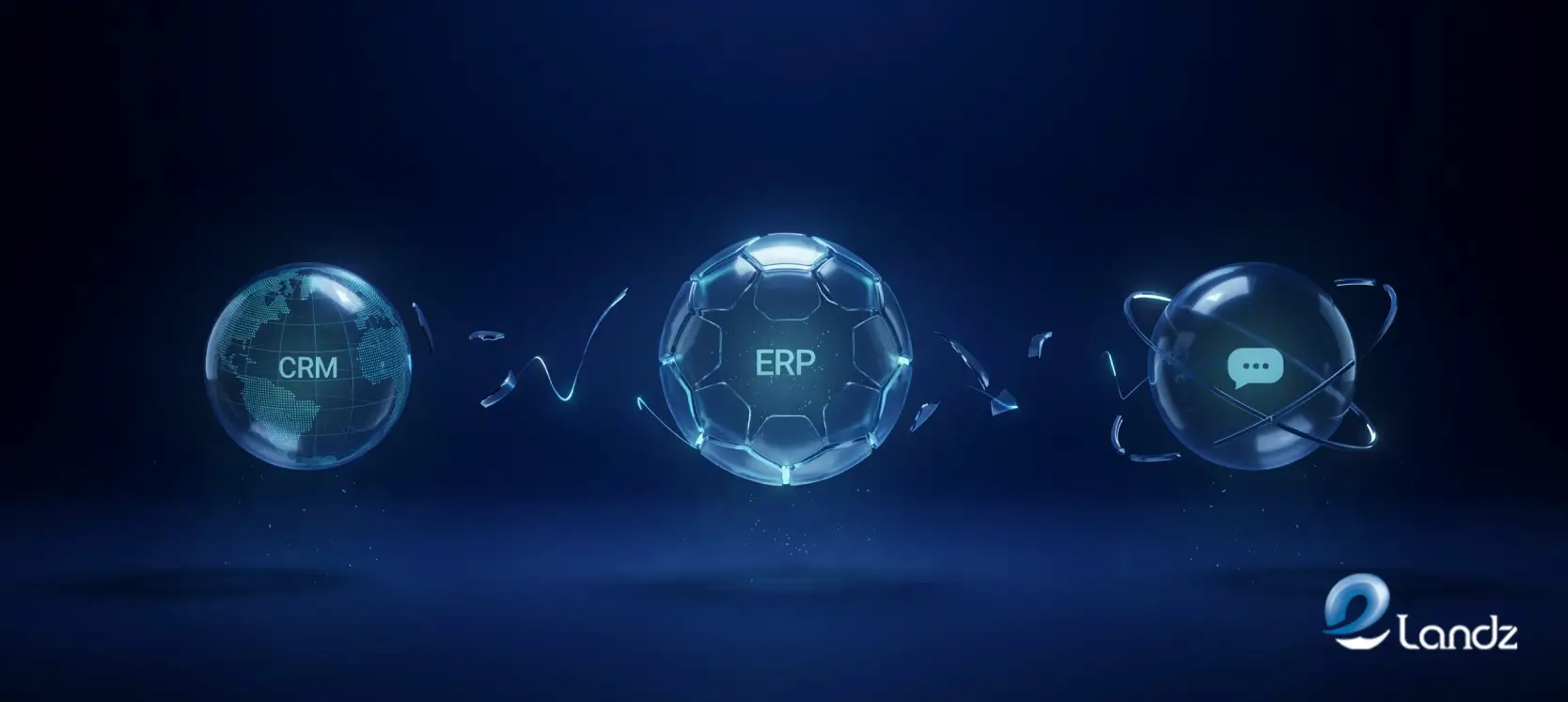
Most businesses build their RevOps stack piece by piece, adding a CRM here, an ERP there, and a customer support platform somewhere in between. Each tool works well in isolation. The problem starts the moment a customer moves from a sales conversation into an order, and then into a support ticket. At that point, the data splits across three systems that were never designed to share it, and the business pays for that gap every single day.
Connecting these systems is what our HubSpot and n8n integration work covers, part of our AI automation for B2B teams.
Orders Get Delayed and Entered Wrong
When a deal closes in the CRM, someone has to manually re-enter that information into the ERP, working from notes, a forwarded email, or a CRM export. Product names differ between systems, field formats rarely match, and the person doing the entry is interpreting rather than transferring. A deal closed Monday may not reach the ERP until Wednesday, and when it does arrive, it often carries errors that hit fulfillment, invoicing, and inventory planning before anyone catches them.
Customer Support Agents Work Without Context

When a customer contacts support, the agent sees a name and a list of previous tickets. They cannot see the contract terms, the account value, open invoices, or what the sales rep promised during the deal.
Without commercial context from the CRM and ERP, every conversation starts from scratch, high-value customers sit in the same queue as free trial accounts, and agents ask for information the business should already have. Customers notice, and it damages the relationship before any formal decision to leave is even made.
Reporting Stops at the Edge of Each System
CRM reports cover pipeline and win rates. ERP reports cover revenue and margins. Support reports cover ticket volume and resolution times. Each system produces accurate numbers within its own walls, but none of them connect across those walls.
Questions like which customers are profitable after factoring in support costs, or which product lines carry strong pipeline but underperform on margin, require CRM and ERP data joined at the customer level. Without that, leadership makes strategic decisions on partial information while believing it is complete.
Data Drifts Apart and Becomes Harder to Fix
Disconnected systems do not stay inconsistent at a fixed level. Every manual entry is a chance for a contact to be updated in one place but not another, a product to be recorded under a slightly different label, or a billing address to drift between systems after an order amendment.
By the time a business decides to integrate, the data cleanup required before integration can even begin is often the most time-consuming and costly part of the entire project.
Churn Builds Up Where Nobody Is Looking
Churn that originates from operational failures rarely shows up clearly in CRM data because the CRM only captures what sales sees. A customer who received a wrong order, encountered a billing error, and then had a frustrating support experience will often leave without a clear commercial explanation in the pipeline.
The warning signs sit across three platforms, visible to three different teams, and nobody connects them until the renewal is already lost.
Not sure where your tools drop leads between systems? Request a free lead flow audit: we test your forms like a real prospect and send a 10 to 15 minute video of what we find. No call needed.
Conclusion
The gap between your CRM, ERP, and customer support systems is not a feature of how those tools work. It is a gap in how your business manages information, and it carries a measurable cost in labour, errors, reporting blind spots, and customer churn. The businesses that close that gap do not just operate more efficiently. They make better decisions, deliver better customer experiences, and build a data foundation that supports growth rather than limits it.
Frequently Asked Questions
The answers below address the most common concerns around timing, data, and approach. If your situation is more specific, the details of your stack and data quality will shape the answers further.
The primary risk is that your teams make decisions based on incomplete data, which leads to errors in order processing, billing, and customer management. Over time, those errors erode both operational efficiency and customer trust.
Yes, integration does not require replacing the existing tools. It requires building a translation layer that moves and maps data between them reliably.
The timeline depends on the complexity of both systems and the quality of the existing data. A properly scoped integration with clean data can be completed in weeks rather than months.
Existing data needs to be audited and standardized before integration begins. Mismatched records, duplicate contacts, and inconsistent field formats need to be resolved so the integration does not propagate existing errors.
Get updates in your inbox
Subscribe to our emails to receive newsletters, product updates, and marketing communications.