
Introduction
Running a successful business means finding ways to work smarter, not harder. Your sales team spends countless hours on repetitive tasks that keep them away from what really matters: building relationships and closing deals.
The sales automation with the quickest win is replying to new leads in minutes. See speed to lead automation in HubSpot, part of our AI automation services.
This is where sales automation becomes a game-changer. What is sales automation? Simply put, it’s the use of software and technology to handle routine sales tasks automatically, freeing up your team to focus on revenue-generating activities.
Understanding the Basics
It transforms how your team operates by handling time-consuming administrative work. The technology connects various systems to create smooth workflows that capture, organize, and act on customer data without manual intervention.
How the Technology Works
Sales automation connects different tools and systems to create a seamless workflow. At its core, it relies on customer relationship management (CRM) software that stores all your customer data in one place. When someone calls, emails, or visits your website, the system automatically captures that information and updates their profile.
The Role of Triggers
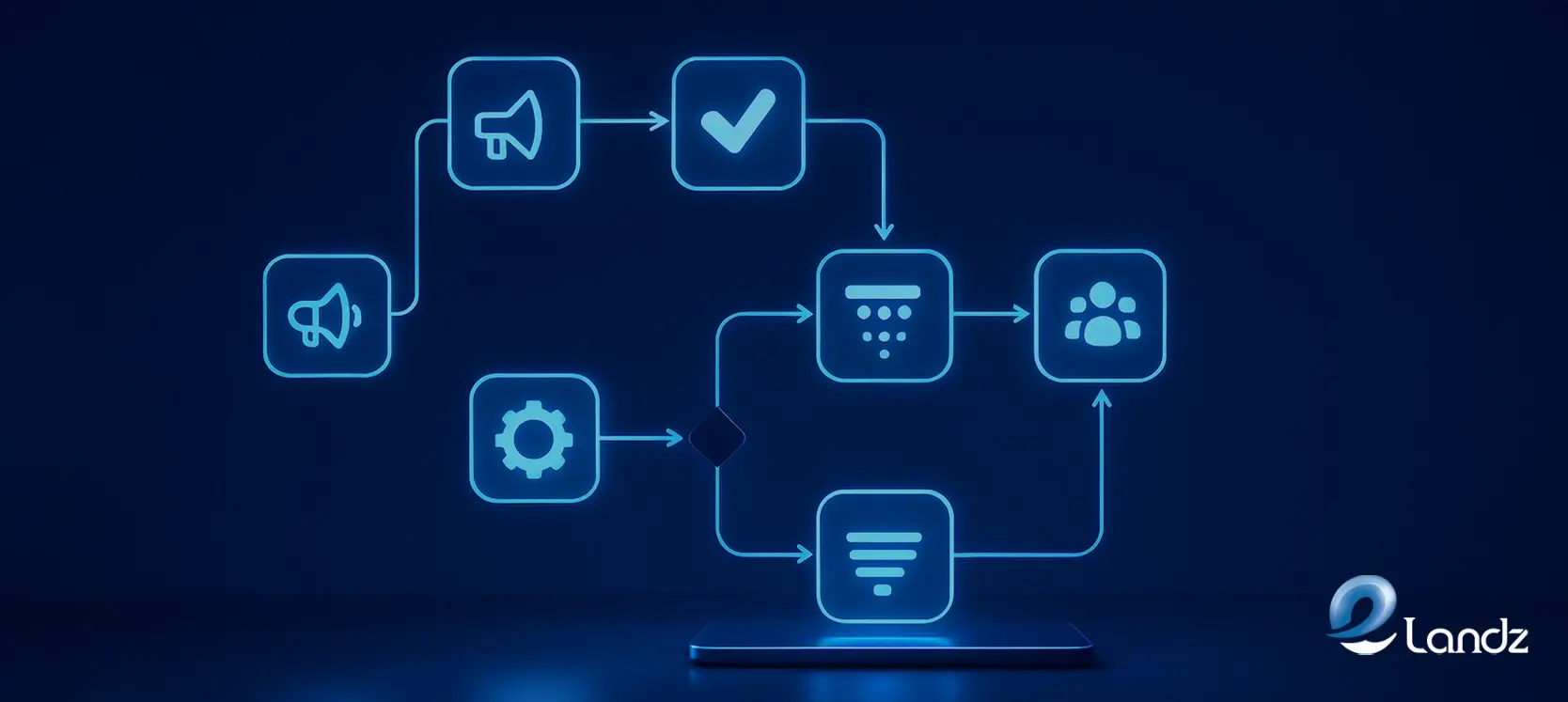
Triggers are set up to perform specific actions when certain conditions are met. For instance, when a prospect downloads a brochure from your website, the system can automatically send them a follow-up email. Your sales rep gets notified to make a call without having to monitor every website interaction manually.
AI Makes It Smarter
Modern sales automation includes artificial intelligence capabilities that take things further. Predictive AI analyzes your pipeline data and identifies deals that might be at risk. Generative AI can draft personalized emails, create sales reports, and write proposals based on your customer data.
Tasks You Can Automate
From lead generation to closing deals, automation handles numerous steps in your sales process. These tools work behind the scenes so your team can focus on conversations that matter most.
Finding and Qualifying Leads
The software scans public information to find potential customers automatically. It scores them based on their likelihood to buy and assigns them to the right sales rep. Your team stops wasting time on prospects who aren’t ready to purchase.
Managing Contact Information
Phone numbers, email addresses, and interaction history are captured and organized without manual entry. Your team no longer needs to dig through spreadsheets or worry about missing important details. Every customer record stays current and accessible.
Handling Email Communication
Welcome messages, follow-ups, and appointment confirmations can all be sent at the perfect time. The emails get personalized with names, company information, and relevant content. Nobody has to sit down and write the same email over and over again.
Scheduling Meetings
Automated scheduling tools let prospects view available times and book appointments themselves. The system updates calendars automatically and sends reminders to both parties. The frustrating back-and-forth of finding meeting times disappears completely.
Creating Reports and Forecasts
Instead of manually compiling data from multiple sources, the software generates accurate reports in real time. Managers and stakeholders get the insights they need without waiting days. Sales forecasting becomes faster and more reliable with automated data analysis.
Key Benefits for Your Business
Implementing automation delivers measurable improvements across your entire sales operation. These advantages compound over time as your team becomes more efficient and your processes become more refined.
More Time for Actual Selling
Research shows that sales reps currently spend only 28% of their time actually selling. Automation gives that time back by eliminating administrative work. Your team can focus on conversations that lead to closed deals instead of data entry.
Handle More Leads Effectively
Your sales team can manage a much larger volume of prospects without getting overwhelmed. The software ensures that no potential customer falls through the cracks. Every opportunity receives appropriate attention at the right moment.
Better Data Accuracy
Human error gets removed from routine data entry when automation handles it. Information captured automatically from emails, calls, and website interactions stays current and correct. Everyone in your company works from the same reliable data.
Improved Customer Experience
Prospects receive immediate acknowledgment of their inquiries through automated responses. They get relevant information at exactly the right moment in their decision-making process. The experience feels personal even though much of it happens automatically.
Faster Employee Onboarding
New salespeople can be trained more quickly when standardized processes are in place. They don’t need to learn a dozen different informal workflows. The automation guides them through each step of your sales process.
Higher Conversion Rates
When leads receive timely, relevant communication and nothing slips through the cracks, more of them convert. Your close rate improves because prospects stay engaged throughout the buying journey. Revenue increases without proportionally increasing your sales team size.
Challenges to Watch For
No technology is perfect, and automation comes with considerations that require attention. Understanding these challenges helps you plan for them and maintain balance in your sales approach.
Maintaining Personalization
The biggest risk is losing the personal touch that customers value. When emails sound generic or interactions feel robotic, prospects may disengage. It’s essential to maintain authenticity even while using automated tools.
Avoiding Over-Automation
Sending too many automated messages makes people feel spammed. They may block your emails or develop a negative view of your brand. Finding the right balance takes careful planning and testing.
Dealing with Technology Issues
System downtime or integration problems can disrupt your workflow temporarily. Choosing reliable software providers with strong customer support helps minimize these risks. Having backup plans ensures that critical sales activities can continue.
Managing the Learning Curve
Your team needs training to use automation software effectively. Some resistance to change is normal, especially from experienced sales reps. Proper onboarding and ongoing support help everyone adapt successfully.
Justifying the Investment
Quality sales automation software requires a financial commitment upfront. However, the return usually justifies the expense through increased sales and improved efficiency. Most businesses see positive ROI within several months.
Types of Automation Tools
Different tools serve different purposes in your sales automation strategy. Choosing the right combination depends on your specific business needs and existing systems.
Customer Relationship Management Platforms
CRM systems form the foundation by storing and organizing all customer data. Leading platforms include built-in automation features that handle many common tasks. They serve as the central hub where all customer information lives.
Email Automation Software
These platforms specialize in managing communication sequences with prospects and customers. They offer templates, personalization options, and detailed analytics about recipient engagement. Many integrate directly with your CRM for seamless data sharing.
Scheduling Applications
Scheduling software eliminates the hassle of coordinating meeting times between parties. Prospects click a link, see available slots, and book appointments instantly. The software syncs with calendars and sends automatic reminders.
AI-Powered Chatbots
Chatbots can handle initial customer inquiries on your website automatically. They answer common questions, collect contact information, and route serious prospects to human sales reps. This ensures potential customers get immediate attention around the clock.
Analytics and Reporting Systems
These tools transform raw data into actionable insights for your team. They track key performance indicators, identify trends, and help you understand what’s working. Decision makers get the information they need without manual report compilation.
What to Look for in Sales Software
The sales software market reached $31.26 billion in 2025 and is projected to grow to $63.15 billion by 2030
When evaluating automation platforms, several features matter most for success. Integration capabilities ensure the software works with your existing systems smoothly. Real-time data processing keeps information current, so your team always has accurate details.
Security features are essential for protecting sensitive customer information. Strong encryption and access controls prevent data breaches. Compliance with privacy regulations protects both your business and your customers.
Customization options let you adapt the tools to your specific business needs. Every company has unique processes and requirements. The software should flex to match your workflow rather than forcing you to change everything.
Implementing Sales Automation Successfully
Rolling out automation requires thoughtful planning and execution. A strategic approach ensures smooth adoption and maximizes the benefits for your entire organization.
Start Small and Strategic
Begin by identifying which tasks consume the most time without adding much value. These are your best candidates for automation. Don’t try to automate everything at once or you’ll overwhelm your team.
Map Your Sales Process
Document your entire sales process from initial contact through closed deal. Look for natural trigger points where automated actions make sense. Understanding your current workflow helps you spot the best automation opportunities.
Get Team Buy-In
Explain how automation will make jobs easier and help everyone sell more. Address concerns about learning new systems or worrying that technology might replace them. Make it clear that automation handles routine work so they can focus on relationships.
Provide Thorough Training
Offer documentation, video tutorials, and hands-on practice sessions for all users. Designate power users who can help colleagues when questions arise. Good training prevents frustration and ensures everyone uses the tools effectively.
Run a Pilot Program
Test your automation with a small group before rolling it out to the entire team. This lets you identify problems and refine your approach based on real feedback. Starting small reduces risk and allows for adjustments.
Monitor and Adjust
Track metrics like time saved, leads processed, conversion rates, and revenue generated. Use this data to prove the value of automation and identify areas for improvement. Continuous optimization ensures you get maximum benefit from your investment.
The Human Element Still Matters
Despite impressive technology, sales automation doesn’t replace human salespeople. People still want to do business with other people, especially in complex B2B environments. Trust, rapport, and genuine relationships can’t be automated away.
What is sales automation really accomplishing in this context? It removes barriers that prevent your team from doing what they do best: connecting with customers and solving their problems. By handling tedious administrative work, automation creates space for meaningful human interactions.
The most successful companies use automation to enhance their sales reps’ natural abilities rather than replace them. Technology identifies the best prospects and provides relevant information to guide conversations. Human salespeople use that intelligence to have more informed, valuable discussions with potential customers.
Common Automation Use Cases
Real-world applications show how businesses use automation to streamline specific parts of their sales process. These examples demonstrate the practical value of implementing the right tools for your needs.
Welcome Email Sequences
New leads automatically receive a series of helpful emails after first contact:
- Introduction to your company and values
- Educational content about solving their problems
- Case studies showing results you’ve delivered
- Invitation to schedule a consultation call
Abandoned Cart Recovery
When online shoppers add items but don’t complete a purchase, automation helps recover sales:
- First reminder sent within hours of abandonment.
- Second message offering assistance or answering questions.
- Final message that includes a limited-time incentive
- All messages personalized with specific cart contents
Follow-Up Automation
After meetings or proposals, staying top of mind becomes effortless. The system sends thank-you messages, shares relevant resources, and checks in at appropriate intervals. Prospects feel valued without your team setting manual reminders.
Lead Scoring and Assignment
Each prospect gets automatically scored based on their actions and characteristics. High-value leads are immediately routed to your most experienced salespeople. Lower-priority prospects enter nurture sequences until they’re ready for direct contact.
Measuring Success
Tracking the right metrics helps you understand the true impact of your automation investment. Regular measurement and analysis ensure you’re getting the results you expect and can identify areas for improvement.
Track Time Savings
Calculate how many hours per week your team saves on administrative tasks. Multiply this by the number of sales reps to see the total time recovered. This freed-up time should translate into more customer conversations.
Monitor Conversion Rates
Compare your close rates before and after implementing automation. Look at conversion rates at each stage of your sales funnel. Improvements indicate that automation is helping move prospects through the process more effectively.
Analyze Revenue Impact
Track total sales revenue and average deal size over time. Consider whether you’re closing more deals with the same team size. Revenue per sales rep is a key indicator of automation effectiveness.
Evaluate Customer Satisfaction
Survey customers about their experience with your sales process. Ask about response times, communication quality, and overall satisfaction. Happy customers indicate that automation is enhancing rather than hurting the experience.
Review Team Feedback
Regularly ask your sales team how the automation is working for them. Find out what’s helpful and what’s causing frustration. Their insights guide ongoing optimization of your automated processes.
Future of Sales Technology
Sales automation technology continues evolving rapidly, with new capabilities emerging regularly. Artificial intelligence is becoming more sophisticated, offering deeper insights and more accurate predictions. Natural language processing improvements make automated communications sound increasingly human.
Integration between different business systems is getting easier and more seamless. Real-time analytics are becoming standard, giving teams immediate feedback on their activities. The companies that embrace these technologies while maintaining authentic customer relationships will have significant competitive advantages.
Voice-activated assistants and advanced chatbots will handle even more customer interactions over time. Predictive analytics will get better at identifying which prospects to prioritize. The line between automated and human interactions will blur in ways that enhance rather than replace personal connection.
Making the Right Choice

Selecting sales automation tools requires careful consideration of your specific needs. Consider your team size, sales process complexity, and budget constraints. Research different platforms and read reviews from businesses similar to yours.
Take advantage of free trials to test software before committing financially. Get input from the sales reps who will actually use the tools daily. Their practical experience matters more than feature lists when determining what works.
Don’t let perfect be the enemy of good when getting started. You can always upgrade or switch tools later as your needs evolve. The important thing is starting somewhere and beginning to capture the benefits.
Curious how fast your own company answers a new lead? Request a free lead flow audit and get a 10 to 15 minute video showing where leads wait, leak, or go cold. No call needed.
Conclusion
What is sales automation offering your business? It’s a strategic approach that eliminates time-consuming tasks and creates efficient sales processes through technology. The benefits include more productive teams, higher conversion rates, better customer experiences, and increased revenue that justify the investment and effort required.
Success comes from balancing automation with human connection. Start with high-impact tasks, implement changes gradually, and refine your approach based on results. As competition intensifies, automation strategies become clearer:
FAQs
Check out this FAQ section!
Sales automation refers to using software to automatically handle repetitive sales tasks like data entry, email follow-ups, and lead scoring. It matters because it frees your sales team from administrative work so they can focus on building relationships and closing deals.
No, sales automation complements your team rather than replacing them. The technology handles routine tasks, but human salespeople are still essential for building trust and understanding complex customer needs.
Costs vary widely depending on the features you need and the size of your team. Basic CRM systems with automation features might start around $25 to $50 per user per month. Enterprise solutions can cost significantly more, but many providers offer tiered pricing so you can start small.
Sales automation improves customer relationships by ensuring faster responses and more consistent communication. Customers receive personalized interactions based on their specific needs and behaviors.
Implementation time depends on your business complexity and chosen tools. Simple email automation might be set up in days, while comprehensive CRM integration could take several months.
Get updates in your inbox
Subscribe to our emails to receive newsletters, product updates, and marketing communications.