
Introduction
If you run automations long enough, you’ll notice a pattern. A connection that worked fine for months suddenly stops pulling data. A form submission that used to sync instantly starts failing silently. And more often than not, this happens somewhere around the 90-day mark.
Error catchers like these are part of how we build every HubSpot and n8n integration, one of our AI automation services.
This isn’t a coincidence. It’s baked into how most APIs are built.
The 90 Day Pattern Is Not Random
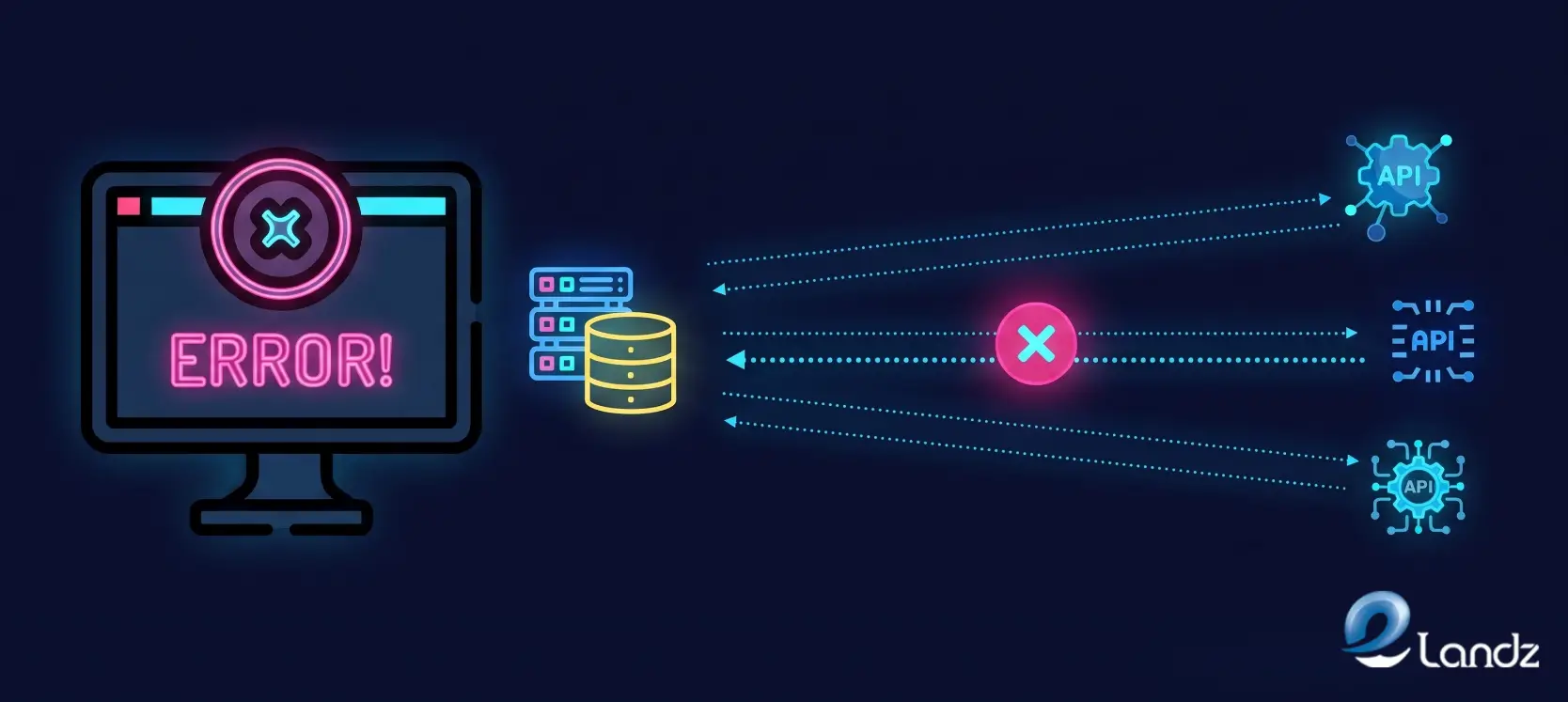
Most platforms issue access tokens with a fixed lifespan. Many OAuth providers default to 60 or 90-day refresh cycles for security reasons. When a token isn’t refreshed properly, or when a refresh call fails quietly in the background, the connection dies without any obvious warning. The workflow keeps running. It just stops doing anything useful.
Add to that the fact that many teams set up an integration once and never touch it again. Nobody is watching the token status. Nobody gets an alert when a scope changes or a password rotates. The automation looks alive on the surface, but it’s actually been broken for weeks by the time someone notices missing data in a report or a client asking why their leads stopped coming through.
What Actually Causes the Break

A few things tend to line up around the same window.
Token and Credential Expiry
OAuth tokens, API keys tied to rotating secrets, and session-based logins all have a shelf life. When that shelf life runs out, and the refresh logic isn’t solid, the connection quietly drops.
Permission and Scope Drift
A platform update on the provider’s end can change what a token is allowed to do. Your integration might still authenticate fine, but lose access to a specific endpoint it depends on.
Schema and Version Changes
APIs evolve. A field gets renamed, a response format changes from a flat object to a nested one, or a version gets deprecated. Your workflow was built against the old structure, so it either throws an error or, worse, accepts the new data and processes it incorrectly.
Rate Limit Creep
As your usage grows, you start bumping into limits you never hit before. Requests that used to sail through start returning 429 errors, and if nothing is watching for that, the workflow just stalls.
Silent Failures
This is the one that hurts the most. The API returns a 200 status code, technically a success, but the body is empty or missing a required field. Nothing crashes. Nothing alerts. The client workflow just keeps moving with bad or missing data, and the damage compounds until someone finally spots it downstream.
None of these problems announce themselves loudly. That’s the real issue. A broken connection rarely looks broken from the outside.
Why Most Teams Only Catch It Too Late
The typical setup relies on someone noticing something feels off. A number looks wrong in a dashboard. A client emails asking why they haven’t received a notification. By the time that happens, the connection has usually been down for days, sometimes longer.
Standard logging doesn’t fix this either. Logs record what happened, but nobody’s reading them in real time unless something specifically points them there. You end up debugging after the damage, not before it.
This is exactly the gap error catchers are built to close.
How We Build Error Catchers at Elandz
When we build an automation for a client, we don’t treat error handling as an afterthought bolted on at the end. It gets designed alongside the workflow itself, because a connection with no failure logic is a connection that will eventually fail without telling anyone.
Here’s roughly how we approach it.
Validating the Response, Not Just the Status Code
A 200 doesn’t mean success on its own. We check that the response actually contains what the next step needs, whether that’s a transaction ID, a confirmed status field, or a specific data type. If it’s missing or malformed, the workflow treats it as a failure and reacts accordingly instead of pushing bad data forward.
Build in Retry Logic With Limits
A temporary blip, like a timeout or a rate limit hit, doesn’t need a human to step in immediately. We set up controlled retries with backoff so the system gives the API a chance to recover before escalating.
Separating Expected Errors From Real Ones
A 429 from hitting a rate limit is not the same problem as a 401 from an expired token, and it shouldn’t be handled the same way. Our error catchers route different failure types to different responses, whether that’s a delay, a token refresh attempt, or an alert to a human.
Monitoring Token Health Proactively
Rather than waiting for a token to fail, we track expiry windows and trigger refresh attempts ahead of time. When a refresh fails, that’s flagged immediately instead of discovered three days later.
Notifying Before the Client Notices
The goal of an error catcher isn’t just to log a failure. It’s to tell someone, fast, in plain language, what broke and where. That might mean a Slack alert, an email, or a flag inside the client workflow dashboard itself, but the point is the same: humans should hear about it before customers do.
Building Fallback Paths Where It Matters
For integrations tied to revenue or client-facing processes, we design a secondary path or a safe holding state so a single failed call doesn’t cascade into a bigger outage across the rest of the automation.
What a Good Error Catcher Actually Looks Like

It’s not a single tool. It’s a layer of checks running quietly alongside the automation.
At the request level, it confirms the call went out correctly. At the response level, it validates the data that came back actually makes sense. At the workflow level, it tracks whether each step completed the way it was supposed to, and if something breaks, it stops the chain before bad data spreads to the next step.
This layered approach is what separates an automation that quietly degrades over months from one that keeps running reliably, or fails loudly enough that someone can fix it in minutes instead of weeks.
The 90 Day Habit Worth Building
If there’s one practical takeaway here, it’s this: don’t wait for the 90-day mark to remind you a connection exists. Build a habit, or better yet, a system that checks credential health, validates responses, and flags anomalies on a rolling basis. Treat every integration like it has an expiry date, because most of them do.
Not sure where your tools drop leads between systems? Request a free lead flow audit: we test your forms like a real prospect and send a 10 to 15 minute video of what we find. No call needed.
Conclusion
API connections don’t usually fail because something catastrophic happened. They fail because tokens expire, permissions shift, schemas change, and nobody was watching closely enough to catch it in time. The 90-day pattern shows up so often because that’s how long many credential cycles last before they need attention. The fix isn’t complicated. It’s building error catchers into the automation from day one, so failures get caught and fixed before they turn into missing data, frustrated clients, or a broken client workflow nobody noticed until it was too late.
At Elandz, this is built into how we approach every integration we set up, not added on afterward.
Automations fail quietly more often than they fail loudly, and that’s exactly why the questions below come up so often. The answers here are kept short and direct so you can find what you need fast.
Frequently Asked Questions
Below is a quick FAQ covering the most common questions people ask about API failures, error catchers, and how to keep automations running without constant manual checks.
Most API tokens and OAuth credentials are issued with a 60 to 90-day expiry window for security purposes. When the refresh process fails or isn’t automated, the connection stops working once that window closes.
Common signs include missing data in reports, workflows that run without producing results, delayed notifications, or client complaints about information not syncing.
Yes. This is called a silent failure. The API can return a successful status code while the actual data is missing, empty, or incorrect, so the workflow keeps running on bad information.
It depends on the provider, but tokens with 60 or 90 day expiry cycles should be refreshed automatically before they expire, not after a failure is noticed.
A 401 usually means the credentials are missing or invalid. A 403 means the credentials are valid but don’t have permission to access that specific resource.
Get updates in your inbox
Subscribe to our emails to receive newsletters, product updates, and marketing communications.